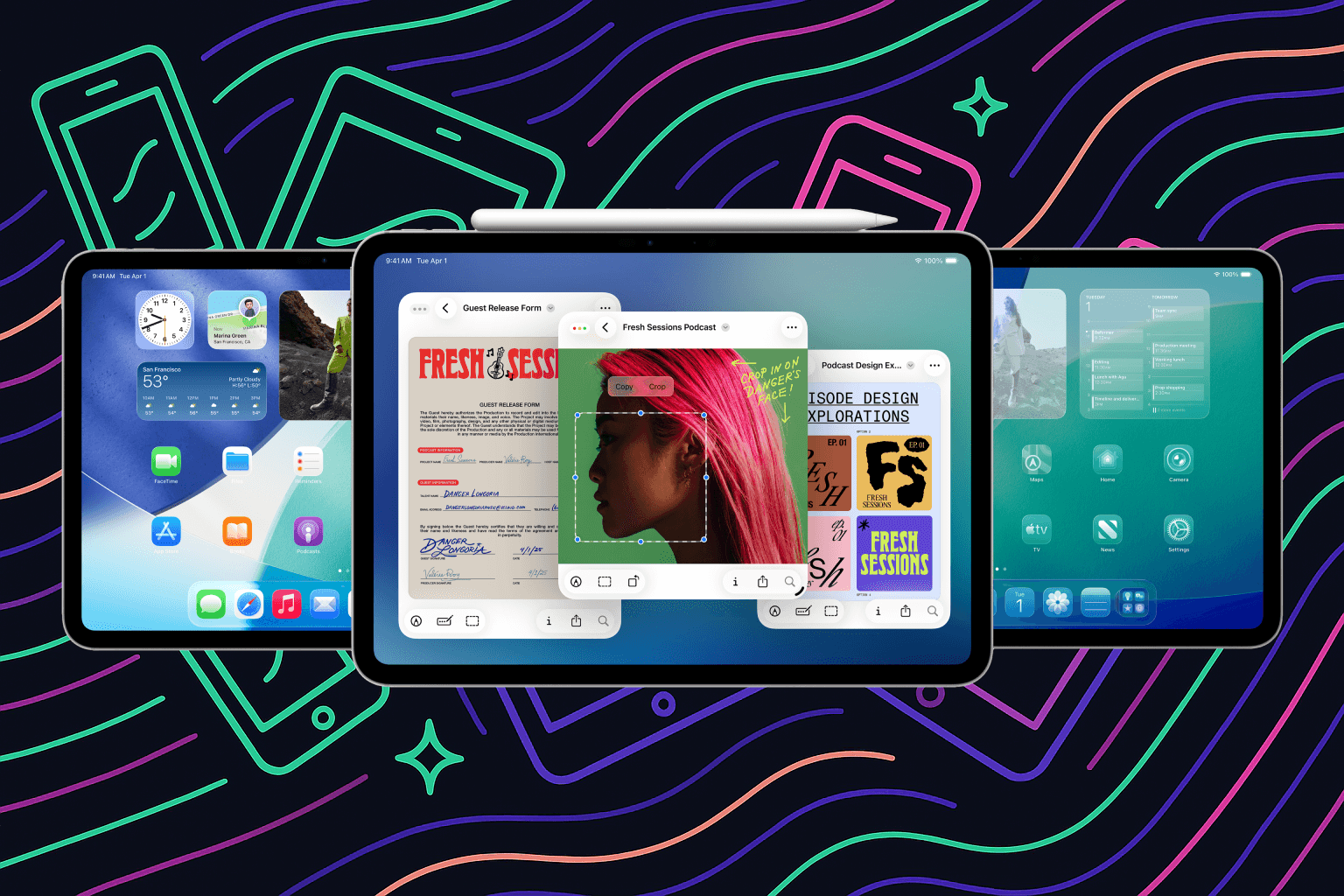
For years people have said Apple does not do enough with the iPad. That changes today.
iPadOS 26 - yes, they skipped a few versions - is out today, and it is the biggest iPad update in years.
Lots Of Glass On Your Screen
First of all, your iPad looks different thanks to a new design. Apple’s new design for iPadOS and iOS is called “Liquid Glass.” That is because many elements are transparent and bend with the light, making it look as if there is liquid glass on your screen.
Get it?
It is not always great for readability, but I do think it looks modern and beautiful. Some animations look fantastic when they flow across the screen. Try slowly pulling down your notification centre, for example.
The Biggest Update In Years
And then there is the really big feature.
You can now actually multitask properly on your iPad. You can open multiple apps at the same time. You can resize them, move them around and place them exactly where you want.
Sound familiar?
Yep, your iPad now basically works almost like a MacBook. Add a little keyboard and you could almost replace one with the other. I have an iPad Pro with Magic Keyboard, and it works beautifully.
Apps now also have a menu bar at the top of the screen. Again, just like on a MacBook. That makes using big iPad apps easier too.
Others Can Explain This Much Better
There are people on the internet who can explain all of this much better than I can. Watch YouTuber Chris Lawley’s video, for example, or read Federico Viticci’s review on MacStories.
iOS and iPadOS 26: The MacStories Review
iPadOS and iOS 26 are available to download now.